Invoicing, Quotes, Expenses & Tax — Together
Built for freelancers, consultants, agencies and small teams that want the whole money trail in one place instead of four spreadsheets.
Branded Invoices in Seconds
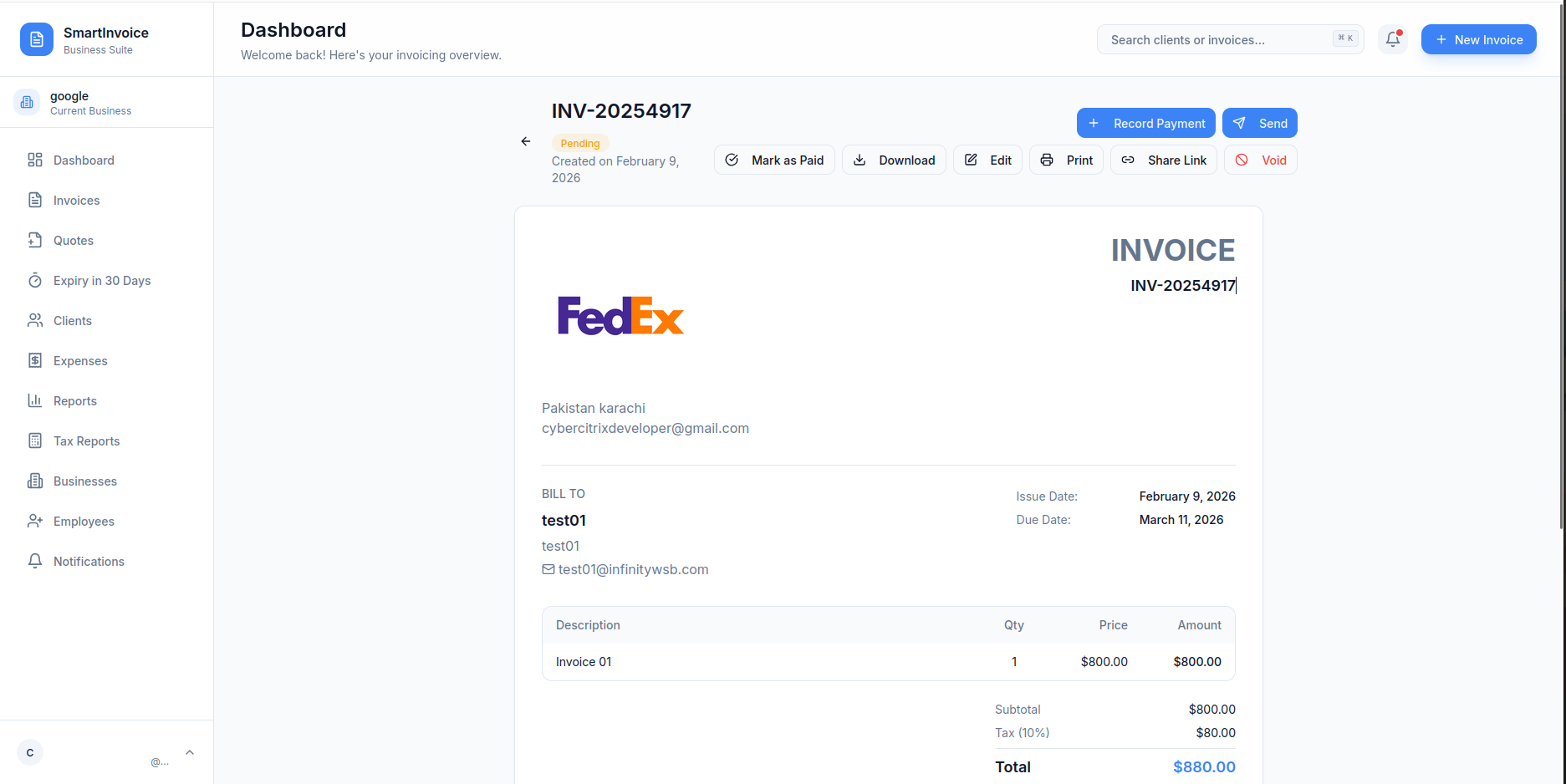
Your logo, tax ID, VAT number and bank details on every invoice. Auto-numbering with your own prefix, per-line tax and discounts, any of 50+ currencies.
— 01Automatic Payment Reminders
Choose how many days before the due date the reminder goes out. Overdue invoices flip status on their own and you get a notification — no more awkward follow-up emails written by hand.
— 02Recurring Invoices
Monthly, quarterly or yearly billing for retainers, subscriptions and ongoing services. Set it once and the next invoice is generated and scheduled for you.
— 03Partial Payments & Receipts
Record deposits and instalments by bank transfer, card, PayPal, cash or cheque. The balance updates itself and the client gets a receipt email automatically.
— 04Quotes That Become Invoices
Send a professional quote or estimate first. When the client says yes, convert it to an invoice in one click — items, taxes and client details carry over.
— 05Expense Tracking with Receipts
Log every cost with a category, vendor, tax amount and a photo of the receipt. Filter by month or category and export when your accountant asks.
— 06Tax Reports & Analytics
Revenue by currency, tax collected, input tax from expenses, collection rate, year-over-year growth and top clients — exportable to CSV for tax season.
— 07Team Members with Permissions
Invite staff by email and decide exactly who can view, edit or delete invoices and clients. You stay the account owner.
— 08Multiple Businesses, One Login
Run a studio and a side business? Each gets its own clients, invoices, currency, bank details, logo and numbering — switch between them in a click.
— 09A Look Inside SmartInvoice
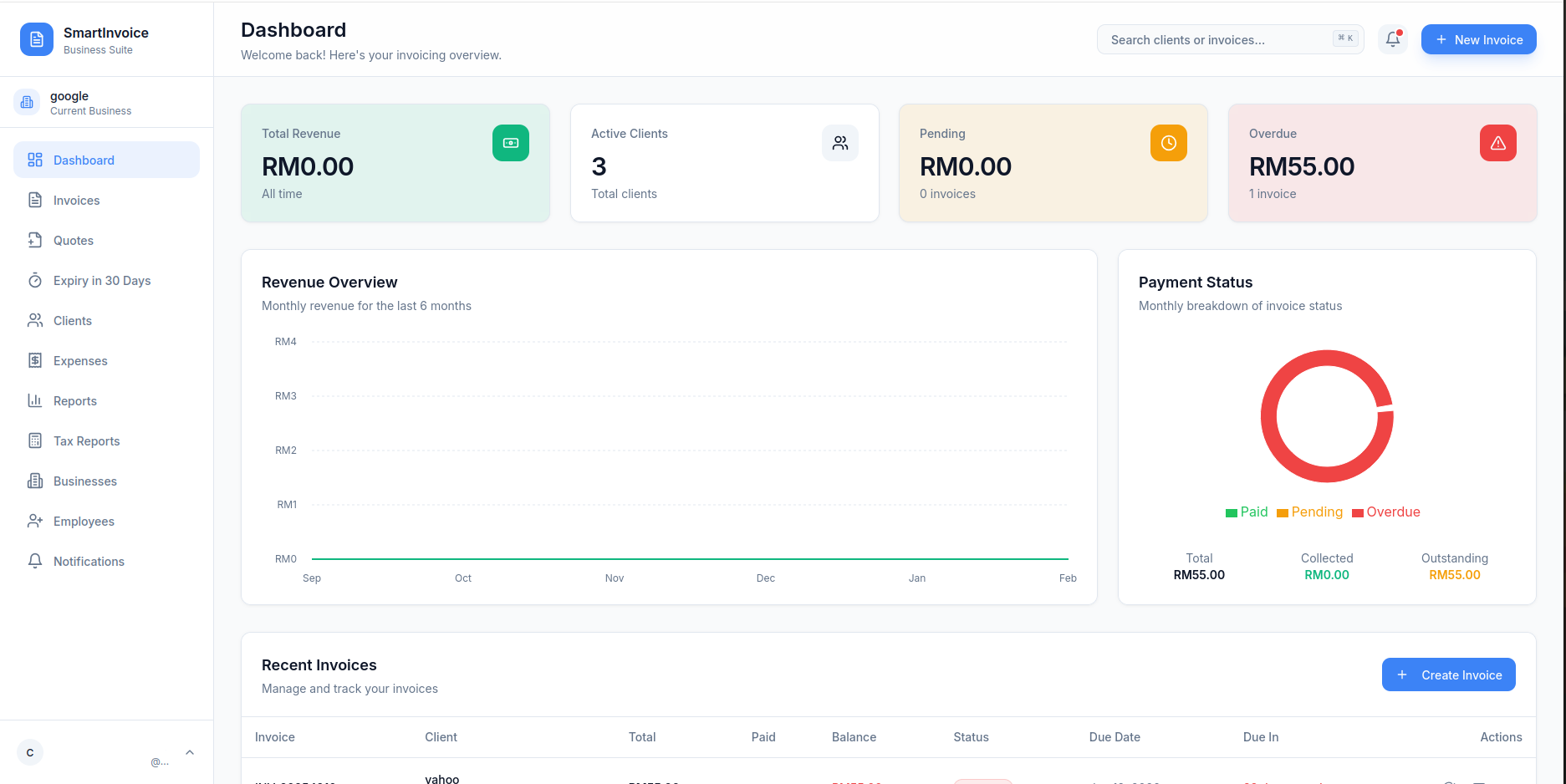
Seventeen screens from the live app — dashboard, invoice builder, payments, expenses, reports and team settings. Use the arrows or pick a thumbnail.
Less Admin on Friday Afternoon
Most small-business invoicing pain isn't making the invoice — it's everything after: remembering to send it, remembering who paid half, finding the receipt in March, and rebuilding the numbers for tax time. SmartInvoice keeps that whole chain in one dashboard so it just runs.
Start Free. Upgrade When You Outgrow It.
The Free plan is live today. Pro and Business plans are being finalised — their feature sets are listed so you know what's coming. No long-term contracts.
- Up to 5 invoices per month
- Up to 3 clients
- PDF invoice generation
- Basic dashboard & reports
- Email support
- Unlimited invoices & clients
- Custom branding & logo
- Recurring invoices
- Quotes & estimates
- Expense tracking
- Partial payments
- Email via your SMTP
- Automatic payment reminders
- Advanced & tax reports
- Everything in Pro
- Multi-business management
- Team members & employees
- Role-based permissions
- 50+ currencies
- Payment receipt emails
- Payment-attention tracking
- Priority support
Frequently Asked Questions
Is SmartInvoice really free to start?
Yes. The Free plan includes up to 5 invoices per month and up to 3 clients at no cost, with no credit card required. Pro and Business plans are being finalised and will be announced on the product site — email sales@kbsolutions.agency if you'd like to be notified.
How do I send invoices to clients?
Directly by email with a PDF attachment, using your own SMTP settings (Gmail, Outlook or any provider) so the message comes from your address. You can also download the PDF, share a link, or print.
Can I track expenses and generate tax reports?
Yes. Record expenses with categories, vendor details, tax amounts and receipt uploads, then generate tax reports with a revenue breakdown and input-tax calculation ready for your accountant.
Can I create quotes and convert them to invoices?
Yes. Create quotes or estimates for prospects. Once accepted, convert to an invoice with one click — line items, taxes and client details carry over automatically.
Can I manage multiple businesses from one account?
Yes. Each business has its own clients, invoices, currency, bank details, logo settings and invoice numbering, all under one login.
Can I add team members with different permissions?
Yes. Invite employees by email and assign View, Edit or Delete access for invoices and clients separately. You remain the account owner and can change access any time.
Does SmartInvoice send automatic payment reminders?
Yes. Choose how many days before the due date reminders go out. Overdue invoices are flagged automatically and you receive real-time notifications so nothing slips.
Send Your First Invoice Today
Free plan, no credit card. Set up your business, add a client and email a PDF invoice in a few minutes.